Two realities for the CA
If the counter is a separate app, month-end is a merge from hell.
Point of sale
Two POS apps: retail scan-and-bill, and restaurant tables/KOT. Both post GST invoices into the same stock.
Two POS
Retail scan-and-bill vs restaurant tables/KOT
SMB
Both POS apps — ₹199/month
₹0
Desk invoices and stock without the counter UI
What it is
POS billing software in India usually means a fast counter. TiBook splits retail and restaurant because a KOT is not a barcode cart.
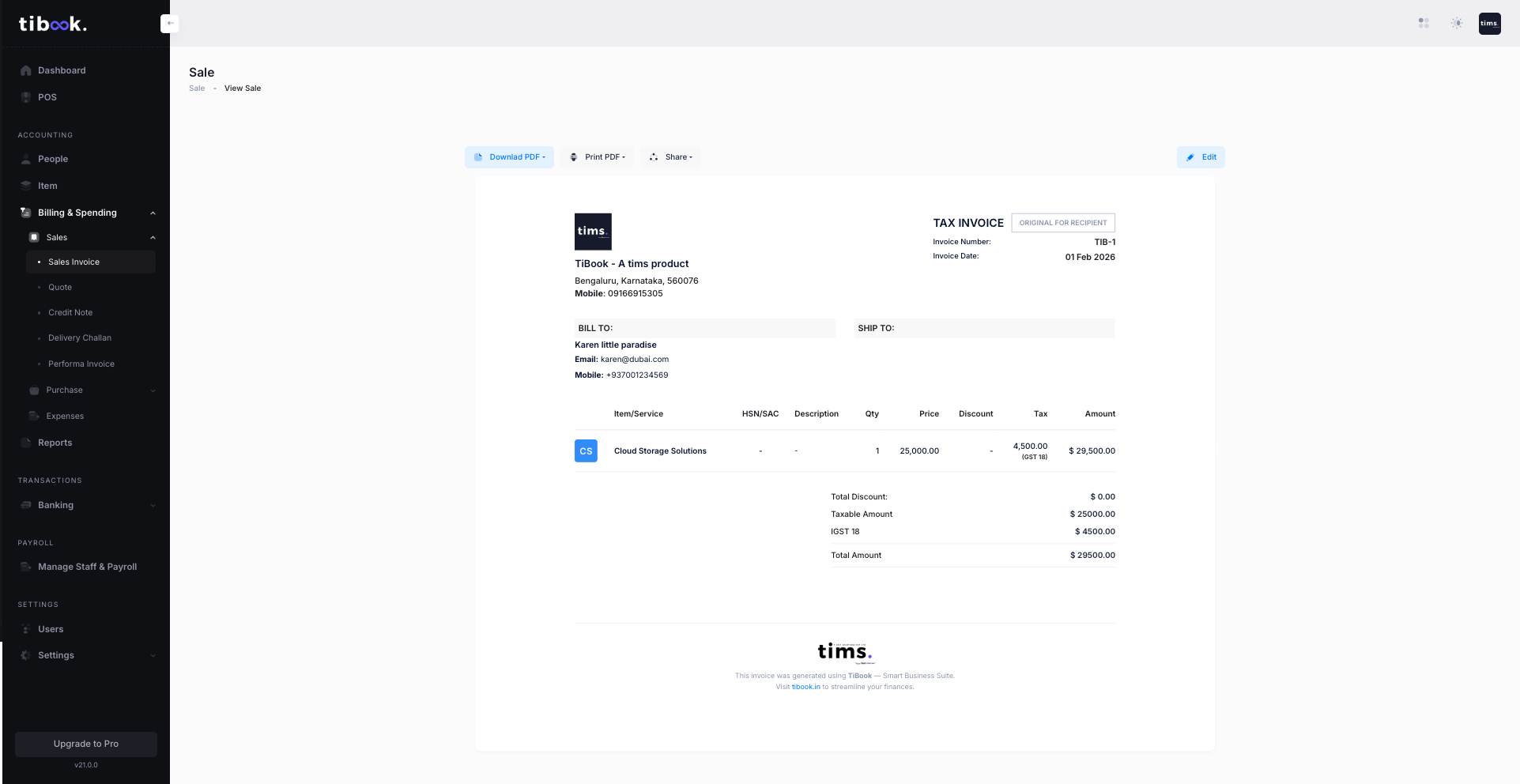
Enable POS from Apps on SMB. Every saved bill is a sales invoice — reprint, PDF, or share later. Startup still invoices from the desk without the counter UI.
POS is SMB, not Startup. Hardware is yours; TiBook prints thermal and labels.
Why it matters
If the counter is a separate app, month-end is a merge from hell.
A sale that does not reduce quantity is a second set of books.
Restaurants that buy “POS” and get a grocery cart lose tickets.
The software does not sell you a scanner. USB keyboard-wedge scanners work. Thermal printers need a theme.
How to
Items, tax groups, parties. Confirm the catalog before you put a cashier on a gun.
Retail POS and Restaurant POS are not on Startup.
Apps → POS for retail. Restaurant POS for tables and KOT. Or both if you run both floors.
Codes on items, thermal theme, scanner as keyboard in search.
Every saved POS bill is a sales invoice — reprint, PDF, share later.
Sales summary and outstanding. Same books as desk invoices.
Guides: Retail POS · Bill at the counter · Restaurant floor
Product
Search or scan, cash party for walk-ins, tax toggle, payment received, thermal themes.
Tables, modifiers, KOT, settle. Enable only if you run a floor.
POS and desk invoices reduce the same quantity. No shadow inventory.
Tax groups on items. The counter cannot invent a rate the item does not have.
USB scanners that type like a keyboard. We do not sell hardware packs.
A cashier should not share the owner password. Extra users are a paid-plan feature.
POS that posts an invoice
If the receipt is not in the books, it is a toy.
Retail vs restaurant named separately
One word “POS” that means both is a red flag.
Plan honesty
Counter UI on a paid plan is normal. Invoicing should still start free.
Scanner reality
Keyboard wedge. Not a warehouse API.
| Need | Standalone POS | TiBook |
|---|---|---|
| Books | Export CSV on Sunday. | The bill is the invoice. |
| Restaurant | Same cart as grocery. | Separate Restaurant POS. |
| Startup | Trial that expires. | Desk GST invoices stay ₹0. |
| E-way / IRN | Often bundled in ads. | Not generated in TiBook. |
Pricing
Start on Startup. Add SMB for POS, payroll, and ledgers. Recurring is Enterprise.
Startup
₹0
GST invoices, quotations, delivery notes, expenses, payments, basic inventory, P&L, daybook, outstanding. No credit card.
SMB
₹199/mo
Retail and Restaurant POS, payroll, extra users, and the accounting app (ledgers, journals, trial balance).
Enterprise
₹399/mo
Everything on SMB plus automated recurring invoices.
Full comparison on pricing.
Shops, pharmacies, and restaurants on SMB. Freelancers do not need POS.
POS is SMB, not Startup. Hardware is yours. Freelancers do not need POS.
Pick Retail or Restaurant — not one cart pretending to be both.