Templates do not remember the party
A Word invoice is a file. Next month you retype GSTIN and hope the number series is unique.
Billing app
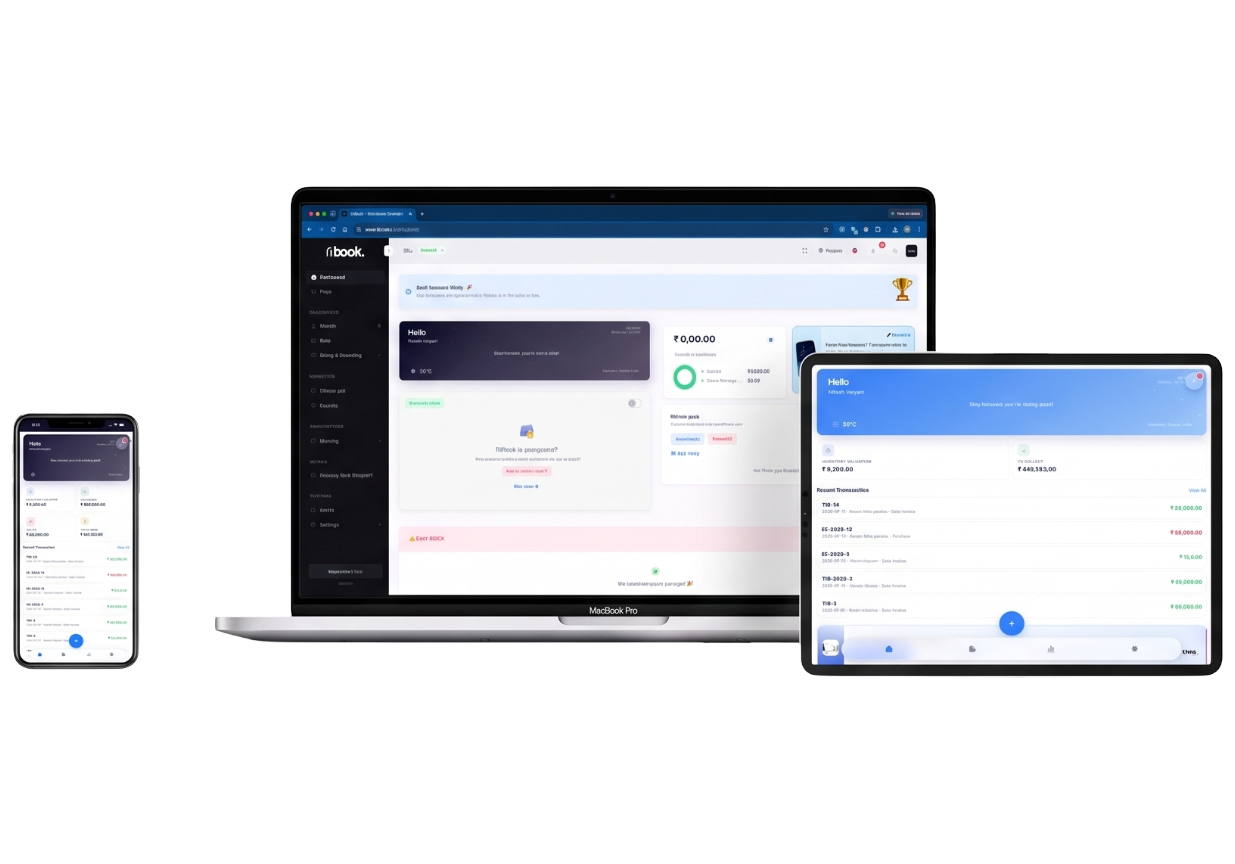
GST invoices in the browser, desktop apps for Mac and Windows, same login. Not a separate “lite” mobile SKU with missing GST.
₹0
GST invoices, PDF, WhatsApp share on Startup
Same login
Browser, desktop apps — not a GST-less lite SKU
SMB
POS if the floor needs a counter
What it is
A billing app for Indian shops has to do GST, parties, and stock — not only a pretty PDF. TiBook is that suite in the browser, with desktop apps using the same account.
Share invoices by PDF, email, or WhatsApp. Signature from company settings. Free generator on the website if you need one PDF without signup.
Native iOS/Android feature set follows the product — the source of truth is app.tibook.in.
Why it matters
A Word invoice is a file. Next month you retype GSTIN and hope the number series is unique.
Unpaid bills live in the books, not in email search.
A pretty PDF that does not reduce quantity is not a billing app for a shop.
Native apps follow the product. The source of truth is app.tibook.in. Do not expect a different GST engine on the phone.
How to
Sign up at app.tibook.in. Add GSTIN when you have it. Logo and signature on the company profile.
Customers, suppliers, HSN/SAC, tax groups.
GST or non-GST. Quotes first if you bid. Share PDF, email, or WhatsApp. Public link when the buyer should open it without an attachment.
Allocate to the invoice so outstanding drops.
Mac and Windows apps use the same account. Not an offline-only dongle.
SMB for Retail or Restaurant POS. Startup stays free for desk billing.
Guides: Sales invoice · Share invoice · Free generator
Product
Tax toggle, HSN/SAC, place of supply. Quotes and delivery notes.
PDF, email, WhatsApp. Public link when you need the buyer to open it without an attachment.
Web and desktop. Multiple companies. Extra users on SMB.
Company upload. Or draw a signature on the free website generator for one PDF.
Items reduce on sale. Unpaid invoices are the credit book.
Ask who has not paid, in language, from the same books.
GST on the document
Not a US invoice app with INR as an afterthought.
Same account everywhere
No “mobile lite” that cannot print SAC.
A generator for one-off PDFs
We have one. The app is for ongoing books.
Offline honesty
We are cloud. See cloud accounting if that is the question.
| Need | PDF / Google Docs | TiBook |
|---|---|---|
| Next invoice | Save As. | Next number in the series. |
| Outstanding | Search mail. | Unpaid invoices report. |
| GST | You type CGST. | Tax group on the item. |
| Stock | None. | Quantity follows the bill. |
Pricing
Start on Startup. Add SMB for POS, payroll, and ledgers. Recurring is Enterprise.
Startup
₹0
GST invoices, quotations, delivery notes, expenses, payments, basic inventory, P&L, daybook, outstanding. No credit card.
SMB
₹199/mo
Retail and Restaurant POS, payroll, extra users, and the accounting app (ledgers, journals, trial balance).
Enterprise
₹399/mo
Everything on SMB plus automated recurring invoices.
Full comparison on pricing.
Shops, traders, and service businesses that bill in INR with GST. Freelancers included.
Native iOS/Android feature set follows the web product. Not offline-only PC billing. POS is SMB.
Startup is ₹0. Use the generator if you only need one PDF today.