Free Consulting Invoice Template
Invoicing doesn't have to be a headache for consultants. With free invoicing software, it's easier to get paid. Fill in the template and send to your clients with the click of a button.
As a consultant, you need to bill clients to get paid. Use hourly rates for short-term projects, flat fees for larger ones, or a retainer for a set number of hours per month. TiBook makes it easy—and free.
Trusted by consultants worldwide
Why use a free consulting invoice template?
When you've delivered the work, you want to get paid. TiBook helps with the common challenges:
- •Manual invoicing taking time away from consulting work
- •Tracking payments across multiple clients and projects
- •Late payments and chasing clients for outstanding amounts
- •Keeping records organised for tax and bookkeeping
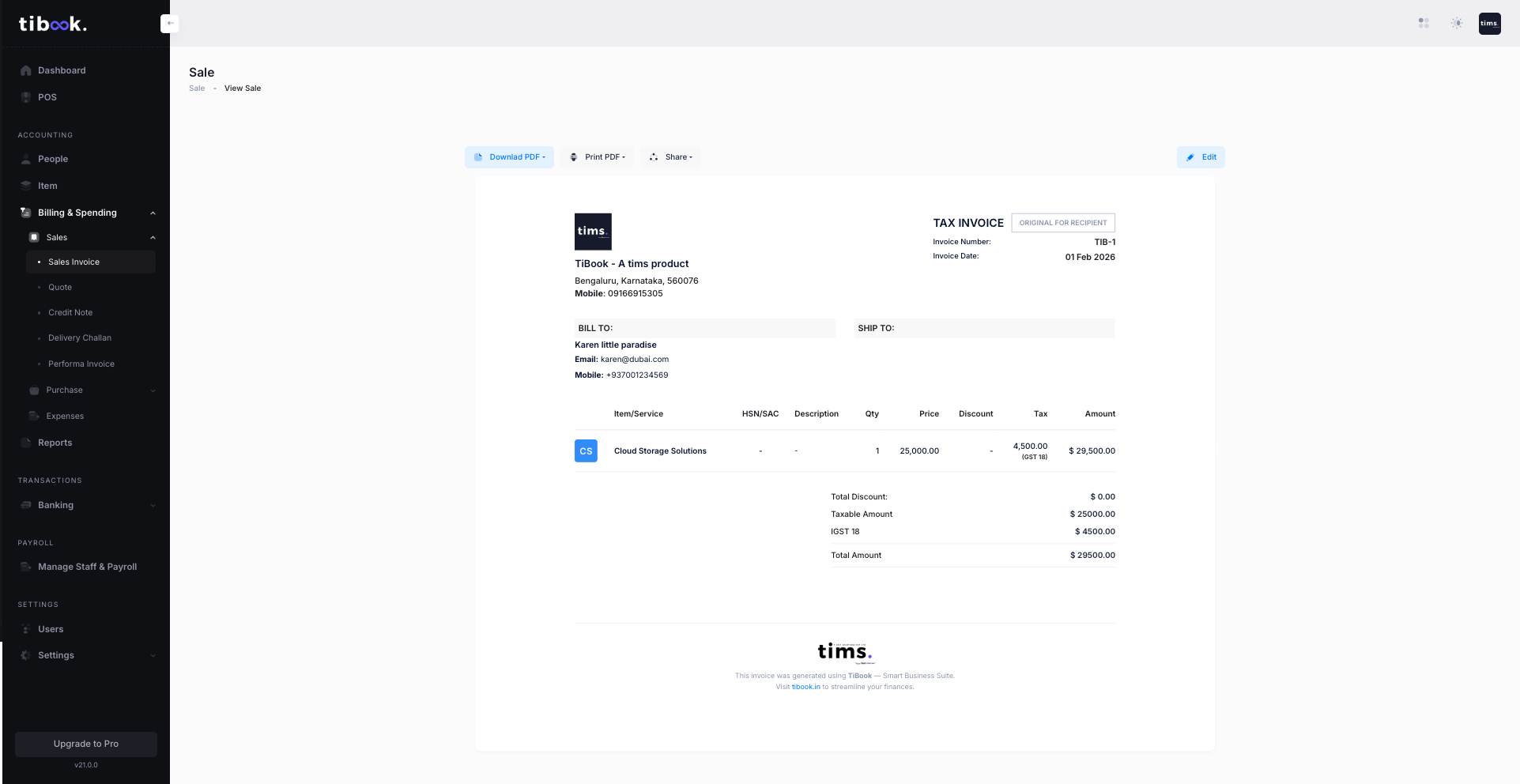
With TiBook you get Professional invoices with your logo and branding, Use hourly rates, flat fees, or retainer billing, Automatic subtotal, taxes, and total—send or download as PDF.
Send consulting invoices for free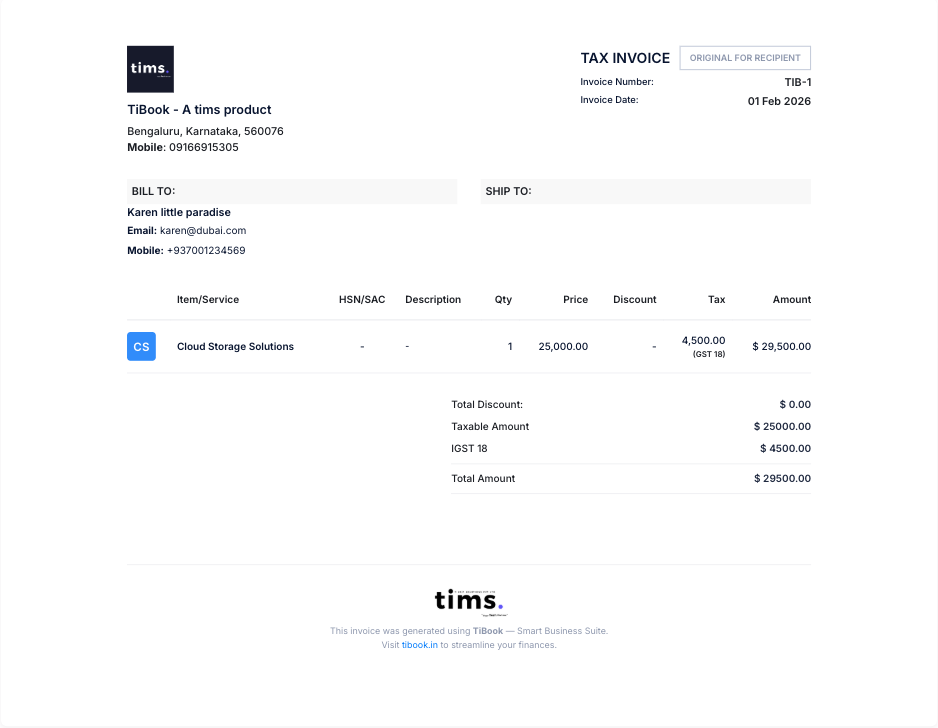
Invoice from anywhere
Create and send invoices After finishing a project or engagement, Between client meetings or on the go, or on your phone or laptop—wherever you are—so you can bill when you finish a project, not just when you're at your desk.
Everything you need to invoice
Itemised consulting services with unit price and quantity—plus your logo, automatic totals, and a professional layout. TiBook gives consultants what they need to bill and get paid.
What should a consulting invoice include?
- Add your name, business name, and contact information
- Include the client's name and contact details
- Use a unique invoice number for reference and tracking
- Itemise services provided with unit price and quantity—hourly, flat fee, or retainer
- Include total amount due, taxes or discounts, and payment terms. Add your logo and a personal note if needed.
Benefits of a consulting invoice template
Invoice quickly, look professional, and get paid—with minimal admin.
Download one of our free invoice templates
Pick the template that best suits your needs:
Download a consulting invoice template
Choose how you want to create invoices:
Free invoicing software
Create, send, and track invoices in one place. Your details auto-fill—add client info and services. Sums and taxes calculated automatically.
Create invoices for freeConsulting invoice template for Word
Download a Word template. Fill in consulting details, save, and send to clients.
Consulting invoice template for Excel
Download an Excel template with automatic calculations for totals and tax.
Consulting invoice template vs. invoicing software
| Features | Invoice template | TiBook |
|---|---|---|
| Cost | Free | Free |
| Printable | Yes | Yes |
| Email to clients | Manual | Built-in |
| Unlimited invoices | Limited | Unlimited |
| Track sales and tax | No | Yes |
| Save clients and products | No | Yes |
| Overdue reminders | No | Yes |
| Track invoice status | No | Yes |
| Works on phone and laptop | Manual transfer | Yes |
Frequently asked questions about consulting invoicing
Get started with free invoicing for consultants
Create unlimited invoices on your phone or laptop—no credit card needed. Spend less time on admin and more time on work that matters.
Send invoices for freeNo credit card required. Get started in minutes.