Offline tools survive a cut fibre
They also fork into three conflicting backups.
Cloud
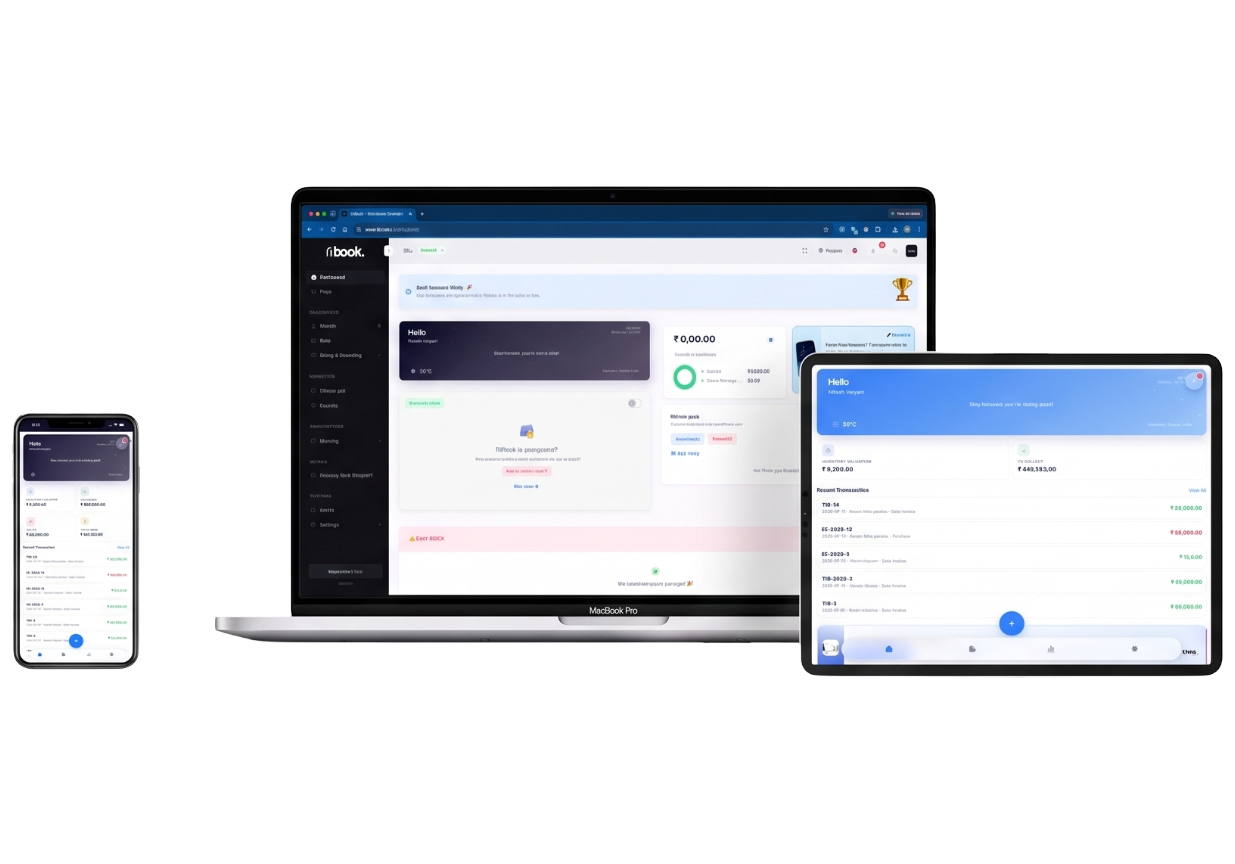
TiBook runs in the browser and on phones. There is no “PC-only offline billing” SKU. Your books follow the login, not a dongle.
Cloud
Books on the server, not a dongle
₹0
GST invoices in the browser on Startup
No offline SKU
We do not sell PC-only billing that works with the fibre cut
What it is
Cloud accounting software means the books live on the server, not only on one shop PC. TiBook is cloud: web app at app.tibook.in, plus mobile. We do not sell an offline-first desktop that syncs once a week.
That is a tradeoff. You need internet for live POS and invoices. You get the same outstanding on your phone that the counter just created.
Cloud only. No offline desktop licence. Native mobile feature set follows the web product.
Why it matters
They also fork into three conflicting backups.
The only copy. Cloud is a different risk — and a different backup story.
We are not local-first POS. Keep a paper fallback if your area dies for hours.
The point of cloud: the counter bill is visible to the owner immediately.
How to
app.tibook.in. Same company on desktop apps.
Owner on the phone, cashier on a browser — extra users on SMB.
There is no offline-first desktop licence.
They still file on the GST portal.
Guides: Billing app · Small business accounting · POS
Product
Owner on the phone, cashier on a browser, CA on reports — same company. Role permissions on paid plans with extra users.
No single file on a dying hard disk as the only copy. You still export reports for the CA.
Honest: we are not air-gapped factory software.
Invoices, stock, outstanding. Ledgers on SMB.
Offline named if you need it
We do not have an offline SKU.
Same GST engine on mobile
No lite app without SAC.
| Need | Offline PC billing | TiBook |
|---|---|---|
| No internet | Works. | Does not. Paper fallback. |
| Phone outstanding | After copy. | Live. |
| Backup | USB copies. | Server + your exports. |
Pricing
Start on Startup. Add SMB for POS, payroll, and ledgers. Recurring is Enterprise.
Startup
₹0
GST invoices, quotations, delivery notes, expenses, payments, basic inventory, P&L, daybook, outstanding. No credit card.
SMB
₹199/mo
Retail and Restaurant POS, payroll, extra users, and the accounting app (ledgers, journals, trial balance).
Enterprise
₹399/mo
Everything on SMB plus automated recurring invoices.
Full comparison on pricing.
MSMEs comfortable with internet-first billing. Not a replacement for air-gapped factory software.
Cloud only. No offline desktop licence. Native mobile feature set follows the web product. Not air-gapped factory software.
Startup is free. If you need air-gapped POS, we are the wrong product.