Buyers compare quotes
A Word table in email dies. You need a number, a party, and a PDF you can convert.
Quotes
A quotation is an offer. A GST invoice is the tax document. TiBook keeps both, and converts the quote when the job is on.
Quote ≠ invoice
An offer is not a tax document
Convert
Same lines and tax when the job is on
Templates
Electrical wiring Word/Excel/PDF if you still need a file
What it is
Search for quotation format usually wants a Word table. That file dies in email. TiBook quotations are numbered documents with parties, tax, and a path to an invoice.
Use document prefixes so QUO- and INV- never clash. Terms should say the quote is not a tax invoice.
We are not a CPQ configurator. Construction BOQ stays in Excel if you need it.
Why it matters
A Word table in email dies. You need a number, a party, and a PDF you can convert.
If you send a “quote” that looks like a tax invoice, you invite confusion and, worse, tax on work you never got.
QUO- and INV- must not share a series. Document types exist for that.
We are not a CPQ configurator. A long BOQ can be lines or an attachment. Excel still wins for some tenders.
How to
Settings so quote numbers never clash with invoices.
Same catalog as invoices. Tax on the quote so the converted invoice matches.
Say the quote is not a tax invoice. Validity period belongs here.
Follow up so the deal is not only WhatsApp.
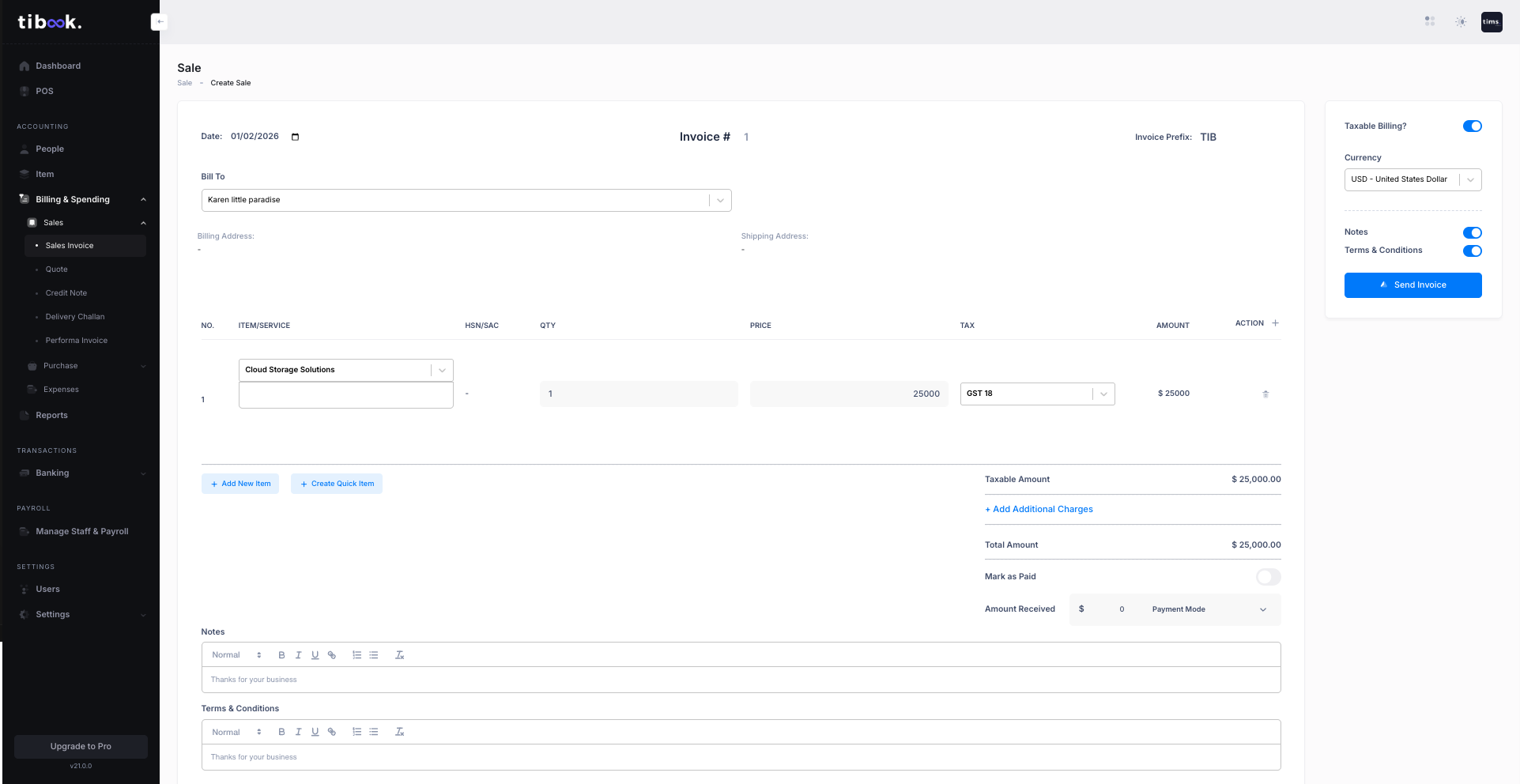
New sales invoice, same lines. Do not retype rates.
Electrical wiring quotation format exists. Google Docs invoice templates are a separate page.
Guides: Create a quotation · Convert to invoice · Electrical wiring format
Product
Items, discounts, tax. Convert instead of retyping.
Log a follow-up against the quote so the deal is not only WhatsApp.
Quote series separate from tax invoices.
Validity, delivery, payment — this is not a GST invoice until you convert.
Electrical wiring Word/Excel/PDF. More formats can live as child pages.
Check the split before you lock the quote rate.
Convert, not copy-paste
The only reason to keep quotes in software.
Clear legal label
Quotation vs tax invoice on the PDF.
A file download if procurement demands Word
We have at least electrical wiring. The app is still the system of record.
| Need | Word template | TiBook |
|---|---|---|
| Next quote number | Guess. | Series with prefix. |
| Won the job | Save As invoice. | Convert voucher. |
| GST | You type 18%. | Tax group on the item. |
| Party history | Inbox. | Same party as invoices. |
Pricing
Start on Startup. Add SMB for POS, payroll, and ledgers. Recurring is Enterprise.
Startup
₹0
GST invoices, quotations, delivery notes, expenses, payments, basic inventory, P&L, daybook, outstanding. No credit card.
SMB
₹199/mo
Retail and Restaurant POS, payroll, extra users, and the accounting app (ledgers, journals, trial balance).
Enterprise
₹399/mo
Everything on SMB plus automated recurring invoices.
Full comparison on pricing.
Anyone who bids before billing: contractors, agencies, traders.
Not a CPQ configurator. Construction BOQ stays in Excel if you need a 200-row tender.
Startup is free. Download a Word format only if procurement still wants a file.
Electrical wiring quotation · Google Docs & Sheets · Contractor invoices · Delivery challan